Secrets AI Video Generator: How It Works, Quality, and Cost
Most AI girlfriend platforms generate images. A handful have tried video. Secrets AI is one of the few that has made it work well enough to become a genuine differentiator. If you have been researching AI companion platforms and wondering why Secrets AI comes up repeatedly in discussions about video — this is why.
This guide covers the full mechanics of video generation: how to create a clip, what the quality is actually like, exactly how much it costs in Moments, and whether it is worth the spend at your tier.
What Is the Secrets AI Video Generator?
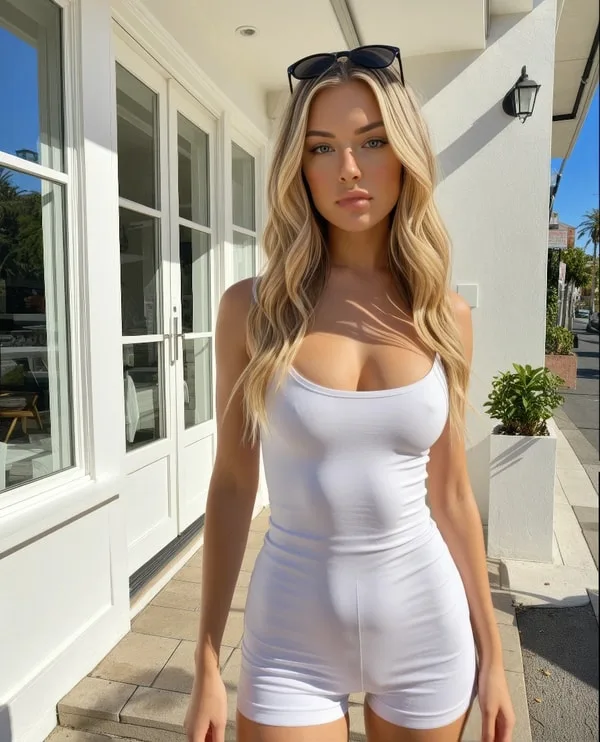
Secrets AI's video generator converts static AI companion images into short motion video clips using text-based prompts. You select an image of your companion, describe the movement or action you want, and the system generates a video clip based on those inputs.
This is not a common feature. Most competing AI companion platforms do not offer video generation at all:
- Character.AI — no video generation
- CrushOn AI — no video generation
- Janitor AI — no video generation
- GirlfriendGPT — no video generation
- Replika — no video generation
Candy AI offers limited video, but Secrets AI has a more developed and accessible video system. The feature is available starting on the Lite tier for short 3-second clips, with full-length video on Plus and above.
Video generation is not available on the free tier whatsoever — not even as a tease. If you want to test it, Lite ($5.99/month) is the minimum entry point.
How Video Generation Works
The workflow is straightforward:
- Generate or select a companion image — either create a new image in your chat or use an existing one from your character's generated library
- Write a text prompt — describe the movement, action, or scenario you want to see. Specificity improves results.
- Submit the request — the system processes your prompt and image
- Wait approximately 2 minutes — video generation takes roughly 2 minutes per clip
- View and save the completed clip — the video appears in your chat thread and can be downloaded
The generated video clips are short — 3 seconds on Lite tier, longer on Plus and above. Videos are context-aware: they reflect the scenario established in your conversation and the character's visual appearance from the source image.
The quality of the source image directly affects video output quality. Using a recently generated image in the Advanced generation model (Premium tier) produces better video results than using an older Standard model image. The recommendation: generate a high-quality image specifically for video conversion rather than using whatever image happens to be in the thread.
Video Quality Assessment
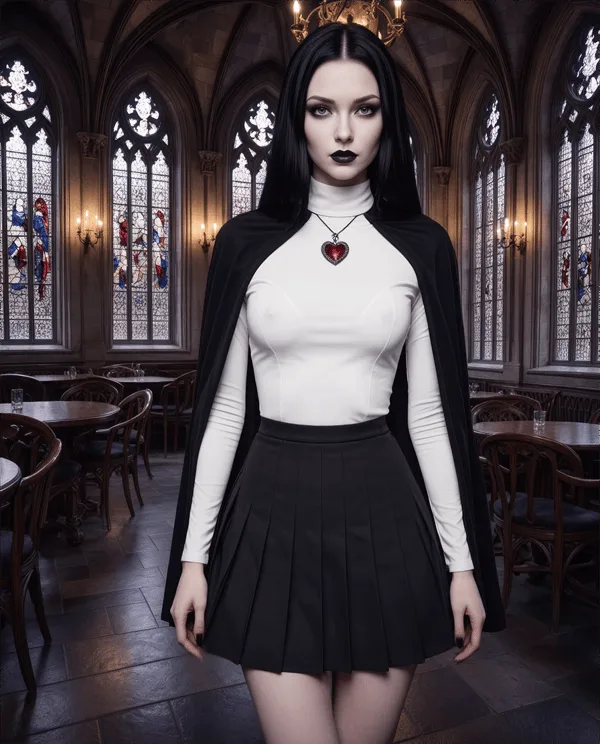
Independent reviewers rate Secrets AI video quality at 4.1/5 — a strong score for a feature category that most platforms avoid entirely.
What that rating reflects in practice:
- Character movement is generally smooth and natural
- Facial expressions are realistic in most outputs
- Motion aligns with the prompt direction (a walking prompt produces walking; an expressive prompt produces appropriate facial movement)
- Occasional quality variations depending on prompt complexity
- Complex prompts with multiple simultaneous actions produce less consistent results
- Quality visibly improves using Premium/Advanced generation model versus Standard
The main weakness: complex scene dynamics — multiple characters, unusual movements, or highly specific physical actions — sometimes produce outputs that partially miss the prompt intent. Simple, focused prompts (one action, one character, clear context) consistently produce the best results.
Compared to dedicated AI video generation tools, the quality is appropriate for the companion context — not photorealistic cinema-quality, but more than sufficient for the companion experience the platform is designed around.
How Much Do Videos Cost in Moments?
This is the critical factor for planning your Moments budget around video use.
Per-clip cost:
- Short 3-second clips: approximately 50 Moments
- Standard/longer clips: up to 600 Moments per video
Monthly video capacity by tier:
| Tier | Moments/Month | Short Clips (50 Moments) | Long Clips (600 Moments) |
|---|---|---|---|
| Lite | 1,000 | ~20 clips | ~1-2 clips |
| Plus | 3,000 | ~60 clips | ~5 clips |
| Premium | 8,000 | ~160 clips | ~13 clips |
| Ultimate | 15,000 | ~300 clips | ~25 clips |
These calculations assume all Moments are spent on video — in practice, you will also spend Moments on images, voice, and other actions. The realistic video budget in mixed use is lower.
Budget reality check on Plus (3,000 Moments):
- 2 long videos (1,200 Moments) + 50 images (~2,000 Moments) + 5 min voice (500 Moments) = 3,700 Moments — slightly over budget
- 1 long video (600 Moments) + 30 images (~1,200 Moments) + 5 min voice (500 Moments) = 2,300 Moments — fits comfortably
The conclusion: if long-form video is a regular priority, Plus is tight and Premium is the more workable tier.
Video vs Images vs Voice — Cost Comparison
| Feature | Moments Cost | Output |
|---|---|---|
| Text message | 1-2 Moments | Text response |
| Image generation | 25-50 Moments | Single static image |
| Short video (3-sec) | ~50 Moments | Brief motion clip |
| Full/longer video | Up to 600 Moments | Longer motion clip |
| Voice call | 100 Moments/minute | AI audio response |
The trade-off perspective: 600 Moments buys you one long video clip, or 12-24 images, or 6 minutes of voice call. Whether a single video clip is worth the equivalent of 12-24 images is a personal judgment about which content type you value more.
For most users, the optimal approach is a mix: generate images regularly (cost-effective), convert the best ones to short videos (50 Moments each), and reserve long video generation for specific occasions rather than routine use.
Tips for Better Video Results
From testing, these approaches consistently improve output quality:
- Generate a fresh image specifically for video — do not convert a random existing image. Create a new one with the Advanced model (Premium) in the pose or setting closest to the video you want, then convert it.
- Keep prompts specific and focused — one action, clear context. "Walking slowly toward camera with a slight smile" outperforms "walking around the room and looking at things."
- Start with short clips — test quality and prompt effectiveness with 50-Moment clips before committing to a 600-Moment long clip.
- Use the Premium generation model for source images — the quality difference in source images translates directly to video output quality.
- Save Moments by generating images first — generate 4-6 images from a scenario, pick the best one, then convert only that one to video. This avoids spending 600 Moments on a video that had a mediocre source image.
- Simple scenes produce consistent results — natural movements and expressions work better than highly stylized or acrobatic scenarios.
Who Should Use the Video Generator?
Worth using if:
- Visual media is an important part of your companion experience
- You want motion content alongside conversation, not just static images
- You are on Plus or above with enough Moments budget for video without depleting everything else
- You enjoy creating and saving personalized companion content
Not worth using if:
- You are on a tight Moments budget and text conversation is your primary use case
- You are on the free tier (video is not available)
- You rarely look at images and would not value the video extension of that experience
Best tier for video:
- Casual video use (1-5 clips/month): Plus ($9.99) — 3,000 Moments handles occasional video alongside other features
- Regular video use (5-15 clips/month): Premium ($19.99) — 8,000 Moments provides comfortable video budget with room for other features
- Heavy video use (15+ clips/month): Ultimate ($39.99) — 15,000 Moments and 15% top-up bonus for high-volume creators
Competitors with Video Generation
Video generation is genuinely rare in the AI companion space:
| Platform | Video Generation | Notes |
|---|---|---|
| Secrets AI | Yes — full feature | 50-600 Moments per clip, 4.1/5 rated |
| Candy AI | Limited | Not a core feature; less developed than Secrets AI |
| Character.AI | No | Strict SFW only; no video |
| CrushOn AI | No | Despite zero-filter policy, no video |
| Janitor AI | No | BYO API; no video generation |
| GirlfriendGPT | No | Memory-focused; no video |
| SweetDream AI | Yes | Emerging competitor with video |
| Xotic AI | Yes | 4K 15-second clips; higher end |
The competitive landscape makes Secrets AI's video feature a genuine differentiator in the mid-market segment. If video generation is important to you and you are comparing Secrets AI to platforms like CrushOn AI or Character.AI, Secrets AI is the only realistic option on this list.
For the full platform review including all features and pricing analysis, see the Secrets AI review. For pricing and Moments math across all tiers, the pricing page has the complete breakdown. To understand what video access you get at each tier, the free vs premium comparison covers tier-by-tier access in detail.
FAQ
Video length depends on your subscription tier. On Lite ($5.99/month), you can generate 3-second short clips. On Plus ($9.99/month) and above, you can generate longer standard-length clips that cost up to 600 Moments each. The free tier does not include any video generation access. There is no option to specify an exact clip length in seconds — the platform generates short or standard clips based on the tier and prompt you provide.
No. Video generation is not available on the free tier. To access video generation, you need at minimum a Lite subscription ($5.99/month), which allows 3-second short clips. Full-length video generation requires Plus ($9.99/month) or above. The free tier's 200 starting Moments cannot be used for video — the feature is locked behind paid subscriptions regardless of Moments balance.
It depends on your tier and how you split your Moments budget. On Plus (3,000 Moments), you can make approximately 60 short clips (at 50 Moments each) or 5 full-length clips (at 600 Moments each) if you spend your entire Moments allocation on video. In practice, mixed use means fewer videos. On Premium (8,000 Moments), you can make approximately 13 full-length clips if using all Moments for video. On Ultimate (15,000 Moments), up to 25 full-length clips per month from Moments alone — plus the 15% bonus on top-up purchases.
Independent reviewers rate Secrets AI video quality at 4.1/5. Videos show smooth character movement and realistic facial expressions in most outputs. Simple, focused prompts produce the most consistent results; complex multi-action prompts are more variable. Quality improves when using Premium/Advanced generation model source images versus Standard model images. The output is realistic enough for the companion context the platform is designed around — not cinematic quality, but well above what you might expect from an experimental feature. Occasional motion artifacts occur, particularly in hands and in complex scene prompts.